Most advice about photo booth maintenance is written for people who own the machine, so it opens with cleaning kits and spare ribbons. If you are a venue hosting a placed booth with us, almost none of that is your job. SmileMore handles the paper, the printer, the camera, the software, the payment reader and every repair, at no cost to you. If you buy a booth instead, all of that becomes yours. Below is what upkeep on a permanent walk-in booth really involves, so you can judge either path with clear eyes.
What photo booth maintenance actually covers
A walk-in booth looks like one object. In practice it is several systems sharing a cabinet, and each one wears differently. Here is how we think about it.
The print side
The printer is the heart of the guest experience. People step out of the curtain expecting strips in hand, and that only happens if the media is loaded, the print head is clean and the paper path is clear. Our booths use a DNP dye-sublimation printer, which runs on paired paper and ribbon rolls. When a roll runs out, printing stops. Modern photo printers help here: DNP has described its booth printer drivers as reporting remaining media, printer status and a life counter, which is exactly the kind of data a remote operator wants to watch.
The camera and the light
Guests judge a booth by its photos. A Canon camera and a consistent flash do the heavy lifting, but both need someone checking that focus, exposure and framing still look right after weeks of people bumping the bench, leaning in close and squeezing four friends into one frame.
The cabinet, curtain and bench
These are the high-touch parts. Curtains get tugged. Benches take a beating. Touchscreens collect fingerprints. Casters pick up whatever is on the floor. None of it is complicated, but it adds up if nobody owns it.
Software and payments
The booth software runs the poses, the countdown, the print job and the QR code for the digital copy. The card and phone-tap reader has to stay working too, because a guest who cannot pay simply walks away. This is the part that most often needs attention from someone who knows the system, not a quick wipe.
You will notice there is no schedule in this section. How often any of these needs attention depends heavily on how busy the booth is, which is why we watch the machine rather than publish a calendar.
Who does the work when you host a booth
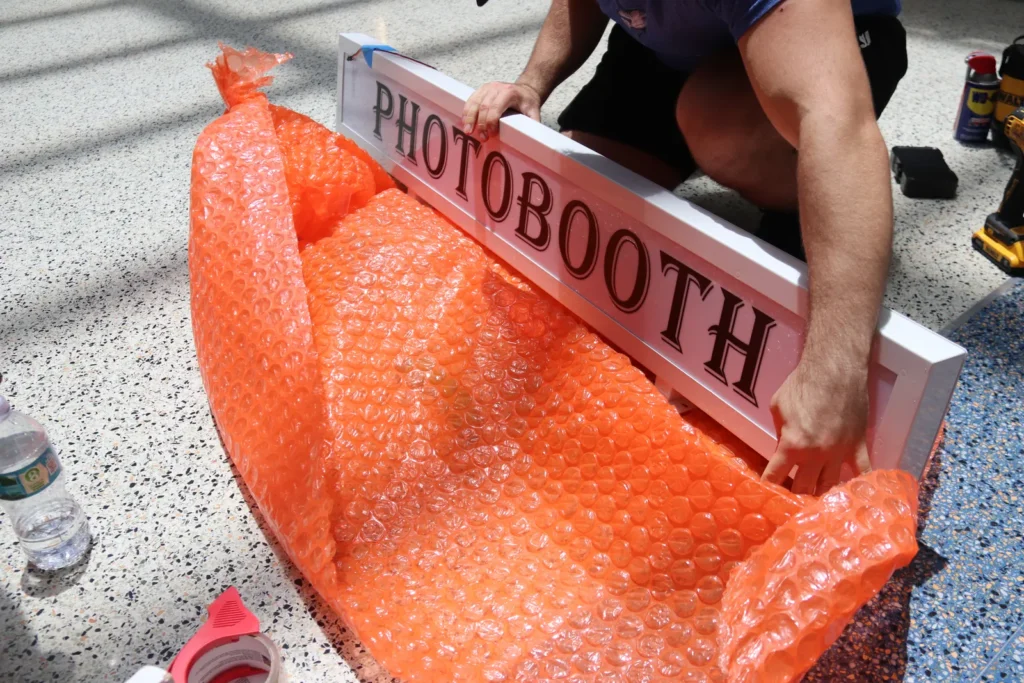
Under a SmileMore placement, upkeep is our responsibility from day one. We monitor every booth remotely, restock it in person, and a local crew usually fixes problems the same day. The booth is insured by us, and repairs never land on your invoice, because there is no invoice. If you want to see the full arrangement in one place, our host program page lays out what venues get and what we ask for.
What we ask of venue staff is short:
- Keep the corner clear so guests can get in and out.
- Leave the booth plugged in to its outlet.
- Tell us if something looks or sounds off. A quick text with a photo helps.
That is the whole list. Staff never load paper, never handle cash and never reset software. Because payments go through the booth by card or tap, your team has nothing to reconcile at close.
Who does the work when you own one
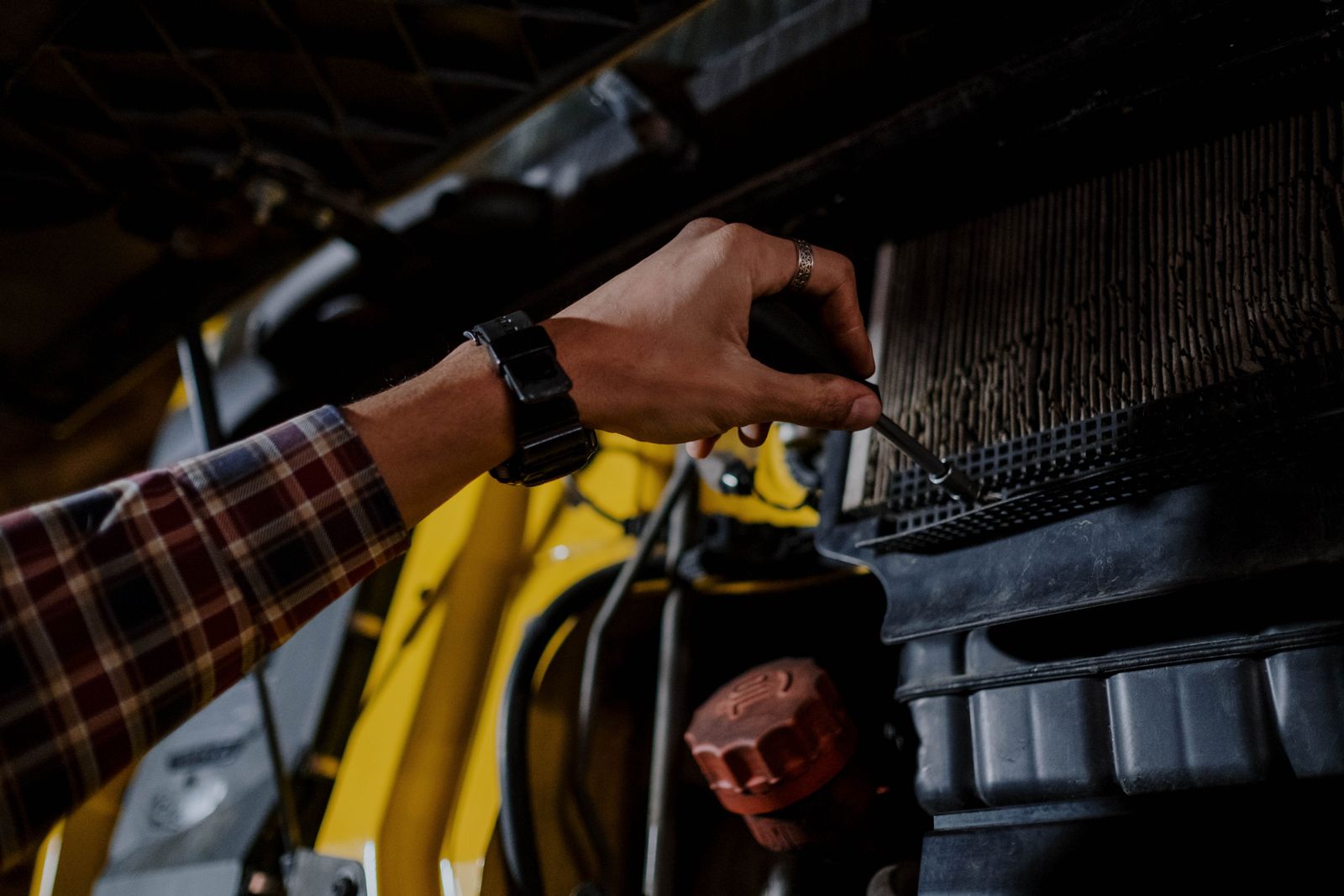
Ownership flips every line above. When you buy a booth, you become the restocking crew, the repair tech, the software admin and the person who gets the call when the printer jams on a Saturday night. Some operators love that. They have the time, the tools and a few locations close together, and they want full control over pricing and placement.
Owners usually end up responsible for:
- Buying and storing paper and ribbon media, and keeping spares on hand.
- Cleaning the print head and rollers when prints start showing lines or streaks.
- Diagnosing camera, lighting and touchscreen issues.
- Keeping the payment reader and booth software working together.
- Sourcing replacement parts and paying for them.
The hidden cost is downtime. A booth that sits dark for three days while you wait on a part is three days of zero sessions and a few disappointed regulars. If you are weighing a purchase, our photo booth for sale page and the companion piece whether a photo booth is a good investment are worth reading side by side with this one.
What our first booth taught us about upkeep
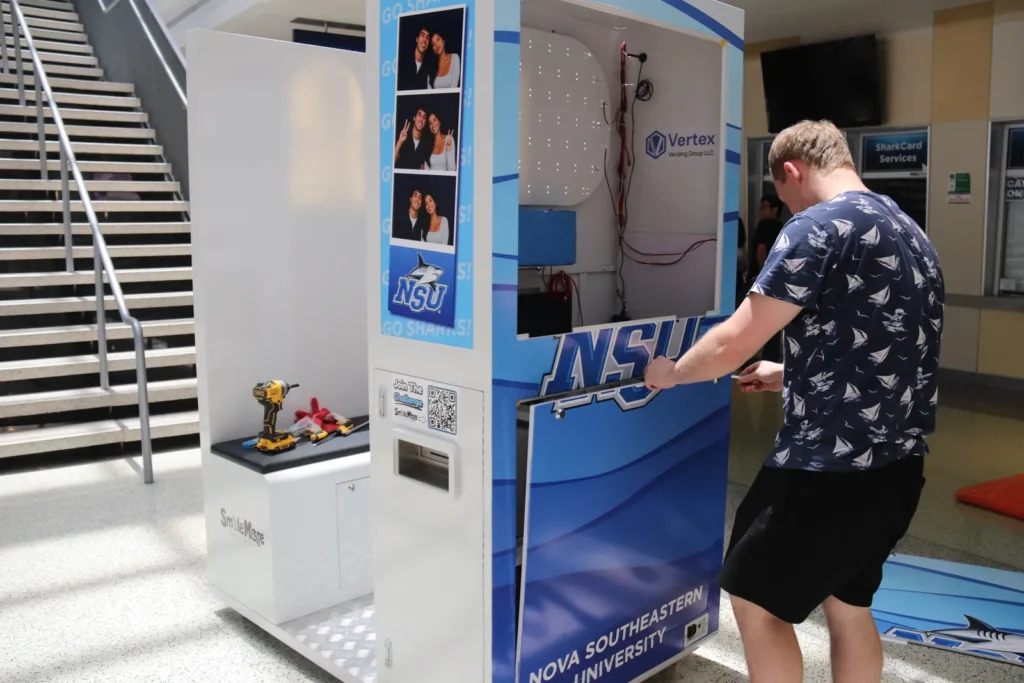
We opened our first live booth in August 2026 at Nova Southeastern University in Davie, inside the Don Taft University Center. It is our longest-running booth, with a second now live and more in setup, so it is where most maintenance lessons so far have come from.
We will be straight about it: there was an early hardware fault. We fixed it, and the booth went back to printing. That experience is a big part of why remote monitoring and a local crew sit at the center of our offer. You cannot promise a venue fast fixes if the nearest technician is a flight away.
Maintenance is not only hardware, either. In the first weeks, guests hesitated over which button came first, and the fix was on-screen start guidance. That is upkeep too: watching how people use the booth and smoothing out friction. The NSU case study covers the rest, including why we relocate that booth ourselves when the university needs it moved.
Volume matters for maintenance planning, and month one at NSU was busy. Guests booked more than 300 paid sessions in August, with most of that energy landing in move-in week. A rush like that is a real test of a printer, and it is the reason we watch media levels closely instead of guessing.
Want a booth you never have to fix?
We install it, stock it, insure it and repair it. You give us a corner and an outlet, and we will tell you quickly whether your space is a fit.
A quick photo booth maintenance split, side by side
If you only skim one part of this post, make it this one. Under placement, SmileMore covers the media, the printer care, the camera and lighting checks, the software, the payment reader, repairs, insurance and relocation. The venue covers a clear corner, an outlet and the occasional heads-up text.
Under ownership, the buyer covers all of it, plus the time it takes. Neither model is wrong. They just suit different people. A venue owner who wants the attraction without a second job tends to host. An operator building a route tends to buy. For a deeper look at the space side, see our guide to photo booth dimensions and what happens on install day.
What hosts ask about upkeep
Do I need to keep spare paper behind the bar?
No. Restocking is our job, and we keep an eye on the booth remotely so restocks happen in person, on our schedule, not yours. Your team never handles rolls or ribbons.
What happens if the booth stops working on a busy night?
We monitor every booth remotely, so we can spot many problems without waiting for a call. A local crew usually fixes things the same day. If a repair needs a part, we tell you what is going on and when to expect it back.
Who pays if a guest damages the booth?
We insure the booth, and repairs are part of the placement at no cost to the venue. If something looks damaged, let us know and we take it from there.
Can my staff clean the booth?
A quick tidy of the bench area is always welcome, but you never have to. Anything involving the screen, camera or printer is ours to handle so nothing gets scratched or knocked out of alignment.
Here is our commitment if you host with us: you will never become the person who fixes the photo booth. You give us the space, and we keep it printing, clean and working, month after month. If that sounds like the right trade, tell us about your venue and we will take it from there. We add venues a few at a time, so it helps to ask early.